SESSION NOTE 04 / DYNAMICS
Compressor Release Time & BPM: Chart and Listening Checks
Calculate a useful interval, then check what the compressor actually does between hits.
THE SHORT ANSWER
At 120 quarter-note BPM, a sixteenth note is 125 ms, an eighth is 250 ms and a quarter is 500 ms. These are release-time references, not guaranteed reset times. The input signal, detection and release curve determine how gain reduction recovers.
Compare 120 BPM · 250 ms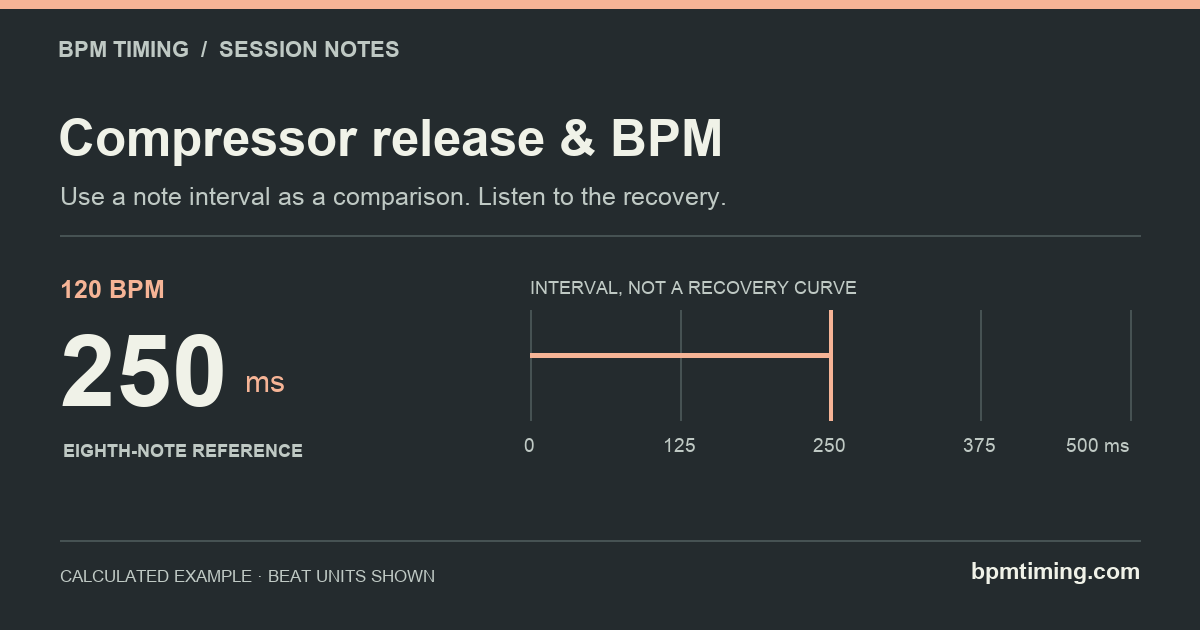
Calculate a comparison, not a preset
When a compressor has a release control in milliseconds, tempo gives you repeatable values to compare. Start with the distance between musical events: are you shaping every kick, a snare backbeat, or a sustained phrase? Those events can be different distances apart even in the same song.
Eighth note = 30,000 ÷ BPM ms
Sixteenth note = 15,000 ÷ BPM ms
Swipe the table to compare all columns.
| Quarter-note BPM | 1/16 | 1/8 | 1/4 |
|---|---|---|---|
| 80 | 187.5 | 375 | 750 |
| 100 | 150 | 300 | 600 |
| 120 | 125 | 250 | 500 |
| 128 | 117.188 | 234.375 | 468.75 |
| 140 | 107.143 | 214.286 | 428.571 |
| 160 | 93.75 | 187.5 | 375 |
At 128 BPM, compare 117.188, 234.375 and 468.75 ms. These numbers describe the grid exactly before rounding. They do not identify a best setting for a vocal, drum bus or full mix. There is no instrument type in the calculation.
Why 250 ms does not promise a 250 ms reset
A delay interval specifies when an echo is scheduled. A compressor's release control describes a recovery behavior. Treating those controls as interchangeable timers can make a precise calculation look more predictive than it is.
FabFilter's Pro-C 3 documentation explicitly describes different release models and program-dependent behavior. Its recovery can differ after a brief transient and after sustained gain reduction; Auto Release adjusts with the amount of gain reduction. That is one documented example, not a claim that every compressor uses the same algorithm.
Imagine kicks 500 ms apart. An eighth-note reference is 250 ms, halfway across that interval. If the detector continues responding to a long kick tail, recovery does not necessarily begin at the instant the kick starts. A 250 ms knob setting therefore does not establish a point on the timeline at which the meter must reach zero.
Do not automatically subtract attack time from the note duration. Attack, hold and release are not a universal sequence of fixed blocks that add up to one beat. If a particular device documents an envelope that works that way, follow that device's definition. Otherwise, the subtraction creates an assumption the BPM formula cannot justify.
Make a controlled comparison in the session
- Choose a short, representative loop. Include the transitions and quieter spaces you need the compressor to handle, not only the loudest hit.
- Hold the other settings steady. Keep threshold, ratio, attack and the sidechain source fixed while comparing release. Match output loudness for the comparison so extra level does not decide it.
- Try nearby note references. At 120 BPM, compare 125, 250 and 500 ms if your compressor supports these values. A value between them is also valid.
- Watch and listen between events. Check whether reduction carries into the next hit and whether that supports the intended groove. Returning fully to zero is a possible goal, not a requirement for every sound.
- Compare with Auto separately. A percentage or Auto label is not a fixed number of milliseconds. Note which mode was active when saving your settings.
Write down the source, BPM, release mode and listening result. For example: “120 quarter BPM, kick sidechain, manual release 250 ms; compare with 125 ms.” That is more useful than a note saying only “tempo synced.”
Open 128 BPM · sixteenth referenceWhen the number does not solve the problem
- The next hit still arrives under gain reduction.
- Check the input or sidechain tail and how much reduction is being applied. A shorter release is one variable to compare; BPM alone cannot isolate the cause.
- The control offers percentages instead of milliseconds.
- Use the device documentation. Do not paste a millisecond value into a percentage control or assume 50% means half a beat.
- The song changes tempo.
- A fixed millisecond setting stays fixed. Recalculate reference intervals for each tempo section, and audition the transition before deciding whether automation is useful.
- I need exact rhythmic ducking.
- A deliberately drawn gain envelope and a signal-responsive compressor solve different tasks. Check how your chosen processor is triggered rather than assuming a release value creates a hard endpoint.
For an effect that actually schedules repeats, see dotted eighth delay. To separate a reverb's onset from its tail, read reverb pre-delay.
Sources & calculation notes
Sources checked November 1, 2026. The table contains calculated note intervals, not measured compressor recovery times. Values use the calculator’s duration function; the listening procedure is a comparison workflow, not a tested preset. Device references describe documented behavior; they are not claims of hands-on testing or affiliation.